Posts

Showing posts with the label touch

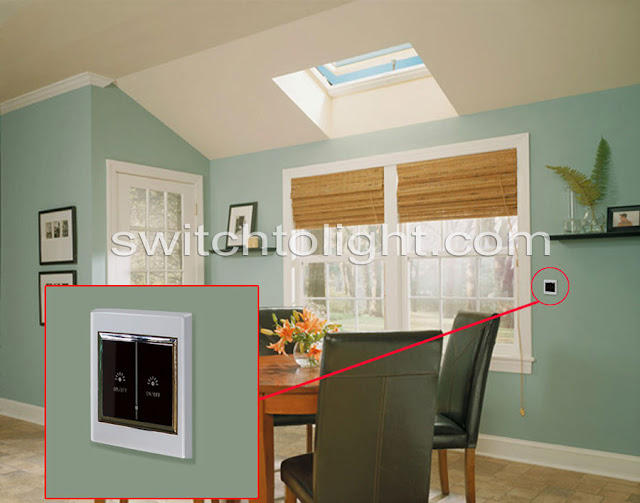
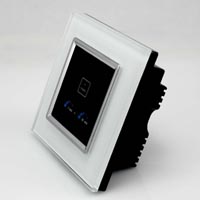
Touch LCD Wall Switch Control AC Motor for Electric Skylight / Blind

Image
It must be better using elegant touch wall mounted switch to control ac motor for electric skylight / blind. They look more clear with LCD screen and please to your eyes. This video tells you how to wire and operate. It's so easy that you can even DIY in your home.

How does touch two way light switch work?

Image
What is touch two way light switch? Touch two way light switch has three terminals respectively connected for light, live wire and neutral wire (see diagram below). When operating the switch, three terminals must be connected at the same time to work normally. Usually two switches controls on/off for one lamp/light. For example, you can use switch downstairs to turn on the light; while use switch upstairs to turn off the same light. So you are free from the trouble of running up and down to turn on/off the light. What is it used for? Two way light switch widely works with all types of lights including incandescent lamps, halogen lamps, fluorescent lamps, energy saving lamps and so on, for the purpose of making the house more comfortable with easy installation and use. How does it work? It is simple working steps by steps. Just do as follows: Matching steps: Touch slightly the icon on the switch connected with lamp for 5 seconds; take away your finger when you hear the sound o...

How Does Touch Time Delay Wall Light Switch Work?

Image
About the switch This Touch Time Delay Wall Light Switch can be used for bedroom lamps, table lamps, bedside lights, fans and so on. If you want to master the closing time of these appliances better, it is your really right choice. The switch is widely applied to apartments, hotels, government institutions and residential buildings, which does not require continuous use of ligths. It is easy to install and use, avoiding long light time and saving energy. How Does it Work? It is easy to use the switch. Just do as follows: Touch the on/off control icon on the switch surface, turn on the lamp; touch the icon again, turn off the lamp. Press the time control icons, the small red indicator will flash twice and keep lighting, which means success of setting lighting off time delay.  Press the time control icons repeatedly, the delay time will be cumulate automatically. The lamp will turn off automatically if the cumulating time is up. The longest delay time is u...